
INE and passport scanning
The visitor scans their ID with the camera and their details fill in automatically. The system warns you if the typed name doesn't match the document, and the image is stored only if the company chooses.
Gateguard One · Identity and privacy
Know who enters your facilities without keeping more data than you need: INE (Mexico's voter ID) and passport scanning, a watchlist, automatic retention and ARCO rights requests.
Yes, with the Identity control module: the visitor scans their INE (Mexico's voter ID) or passport with the camera, their details fill in automatically, and the system warns you if the typed name doesn't match the document. The image is stored only if your company chooses, and every time an ID is viewed, it is logged.
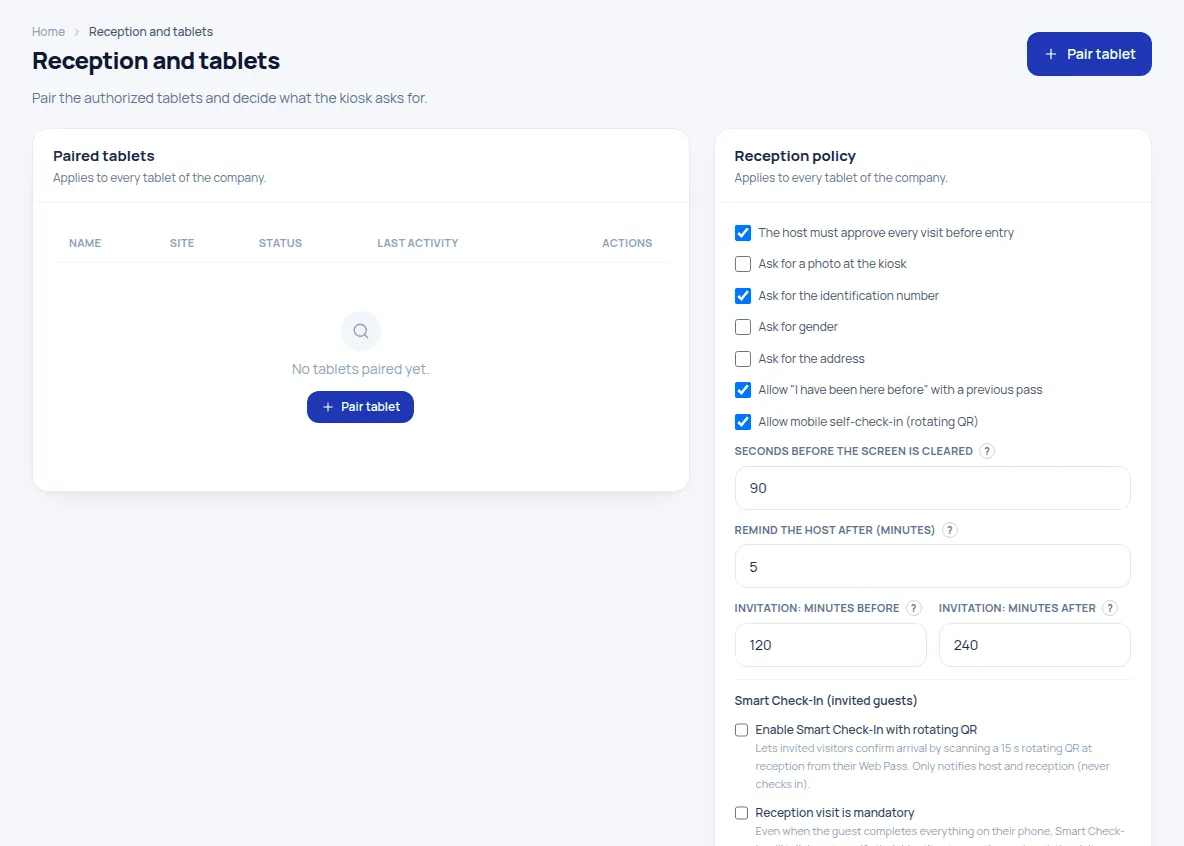
INE or passport, with the kiosk camera or their own phone.
And the system warns you if the typed name doesn't match the document.
If it's an exact match for a restricted person, the kiosk sends them to reception without revealing why.
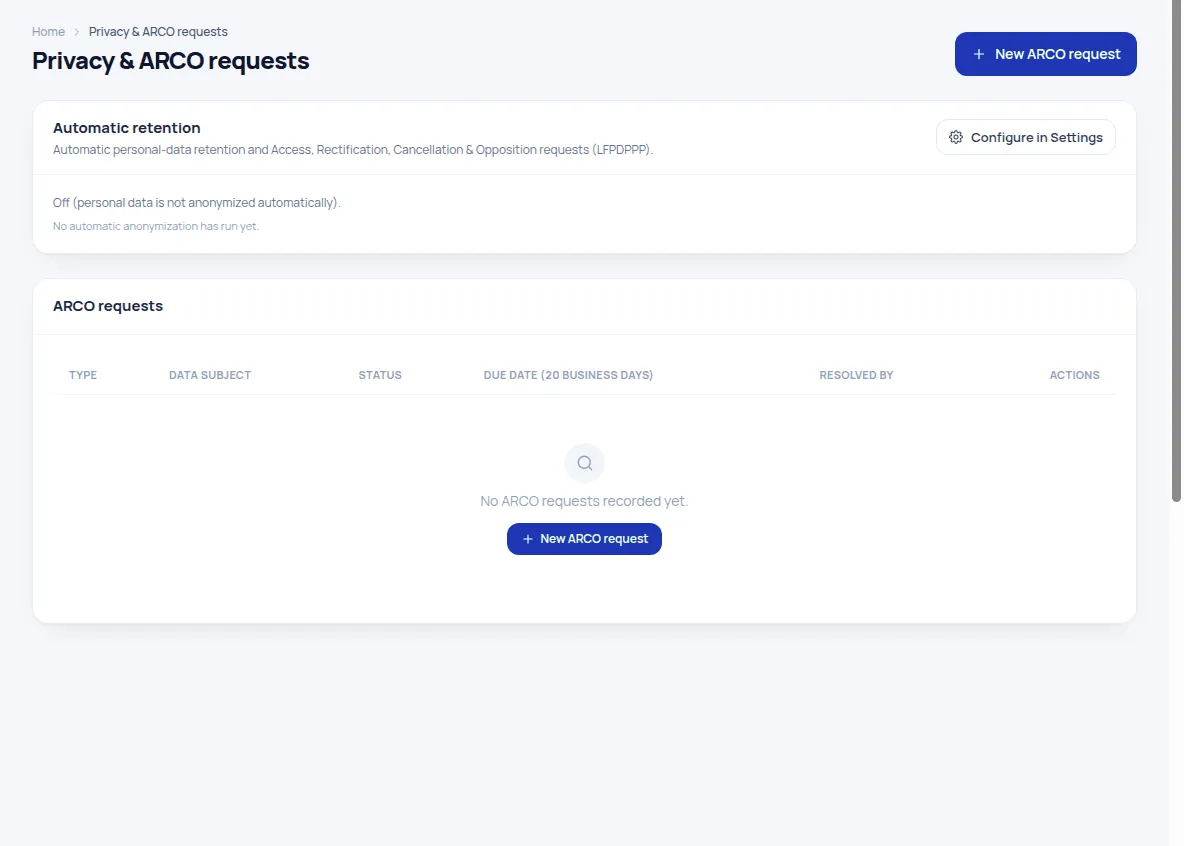
When the period you set is up, the system anonymizes the data without losing your statistics.
The visitor scans their ID with the camera and their details fill in automatically. The system warns you if the typed name doesn't match the document, and the image is stored only if the company chooses.
Add people with restricted access by name, ID or phone number. The kiosk stops anyone who is an exact match and sends them to reception without revealing why; security gets the alert right away.
Set how long visitor data is kept and the system anonymizes it automatically, without losing your statistics. Handle access, rectification, cancellation and opposition requests with tracked response deadlines.
Photos, IDs and signatures are never exposed through public links: only authorized staff can see them, and every view is logged. Encrypted passwords, lockout after failed attempts and an audit log of every important action.
Needing to confirm every visitor's identity and stop people with restricted access.
Who must set retention periods and handle ARCO requests.
With sensitive areas where a visitor's identity matters.
Needing to know who viewed which information and when.
Data retention, ARCO rights, the audit log and protection of photos and documents are part of the Core. INE and passport scanning, the watchlist and required verification at reception come with the Identity control module, included starting with Gateguard One Pro.
See what each plan includesOnly if your company chooses. By default, the data is used to fill in the record; if you turn on image storage, only authorized staff can see it and every view is logged.
Your company sets the period. When it's up, the system anonymizes the data automatically, without losing your statistics.
In the privacy section of the admin panel, you log the request for access, rectification, cancellation or opposition, and the system tracks the response deadlines.
The kiosk stops them only on an exact match, sends them to reception without revealing why, and security gets the alert right away.
It helps you comply: it gives you automatic retention, ARCO request handling and control over who views the data. Your privacy notice and policies remain your company's responsibility.
Gateguard One · For companies
We'll show you identity and privacy with your real use cases and set up the configuration you need with you.