
Who is on site, in real time
A view of every visitor and employee present at the site, with search and one-tap check-out. It includes staff on shift from attendance, with their work location.
Gateguard One · Evacuation and emergencies
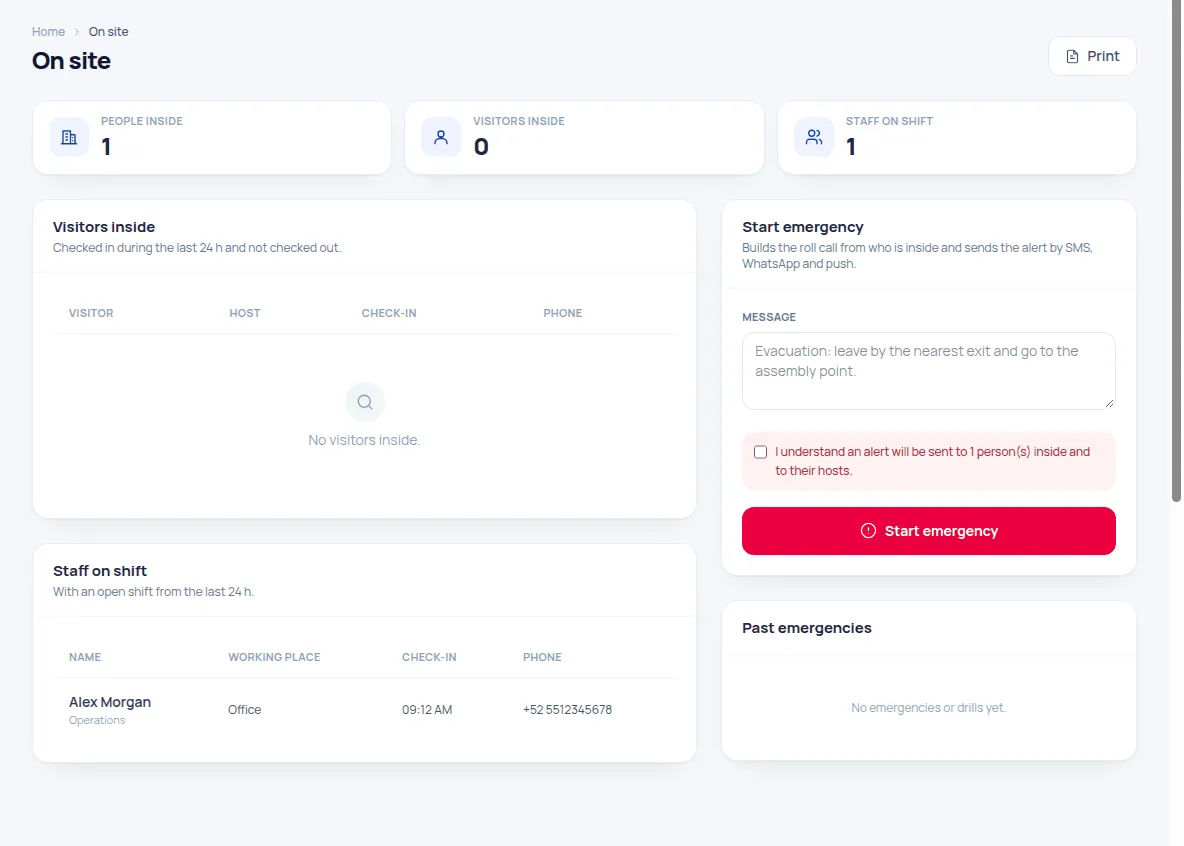
In an evacuation, a logbook won't help. Gateguard One shows you in real time who is at the site, alerts everyone and runs a live roll call, visitors and contractors included.
With a real-time view of who is on site. In Gateguard One, you trigger an emergency and the system alerts everyone present and their hosts; each person confirms “I'm safe” from their phone, the kiosk shows the alert on every screen, and a complete emergency report is saved at the end.
Visitors, contractors and staff on shift, in real time, by site.
With a message: the system alerts everyone on site and their hosts.
Each person confirms “I'm safe” and you see who is missing, right away.
When the emergency is closed, a complete report of what happened is saved.
Real screenshots, with data from a demo company.
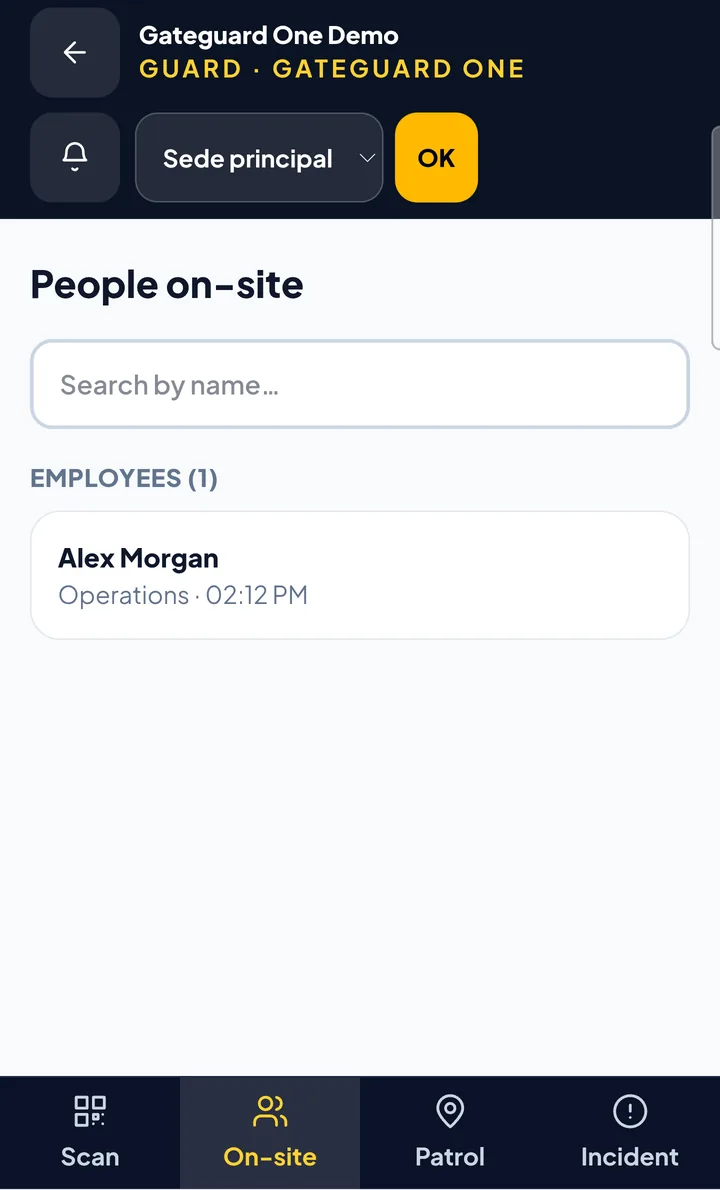
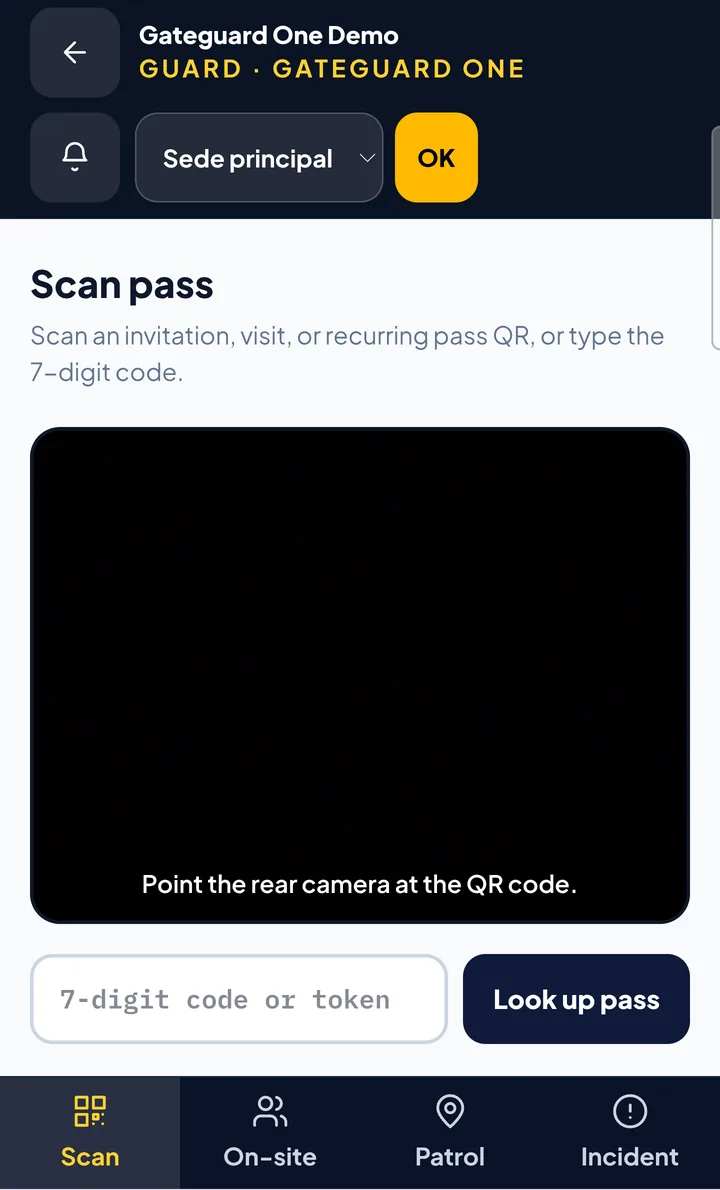
A view of every visitor and employee present at the site, with search and one-tap check-out. It includes staff on shift from attendance, with their work location.
When an emergency is triggered, push notifications (plus SMS and WhatsApp with the SMS and WhatsApp module) go to everyone on site and their hosts, and the kiosk shows the alert on every screen.
Each person confirms they are safe from their phone. You see live who has confirmed and who is missing, so emergency teams know whom to look for.
Set each site's closing time: before closing, hosts are alerted about visitors still on site, and at closing, forgotten visits are closed automatically with the correct time. That way the on-site list is always reliable.
Organizing emergency response and needing to know who is in the building.
Needing a reliable list of who is present during an evacuation, visitors included.
Currently counting signatures in a logbook to know who is still inside.
Needing a report of every emergency.
Who's on site, evacuation and automatic check-out are part of the Core: they come with every plan. SMS and WhatsApp alerts use the SMS and WhatsApp module.
See what each plan includesThe “Who's on site” view shows every visitor and employee present in real time. When you trigger an emergency, each person confirms “I'm safe” and you see who is missing.
Yes. Alerts go to everyone on site and their hosts, and the kiosk shows the emergency on every screen.
At each site's closing time, the system automatically closes forgotten visits with the correct time, and alerts the host beforehand about anyone still on site. That way the on-site list stays reliable.
Yes. When it ends, a complete report is saved: who was on site, who confirmed and when.
No. Gateguard One gives you the list of people present and the live roll call, which help with your drills and emergencies, but it does not replace your internal Civil Protection program.
Gateguard One · For companies
We'll show you evacuation and emergencies with your real use cases and set up the configuration you need with you.