
Invitations via WhatsApp and SMS
Employees send invitations from their phone, and guests receive their pass with a QR code and 7-digit code by WhatsApp or SMS, as well as by email. No more digging for a lost email on the day of the meeting.
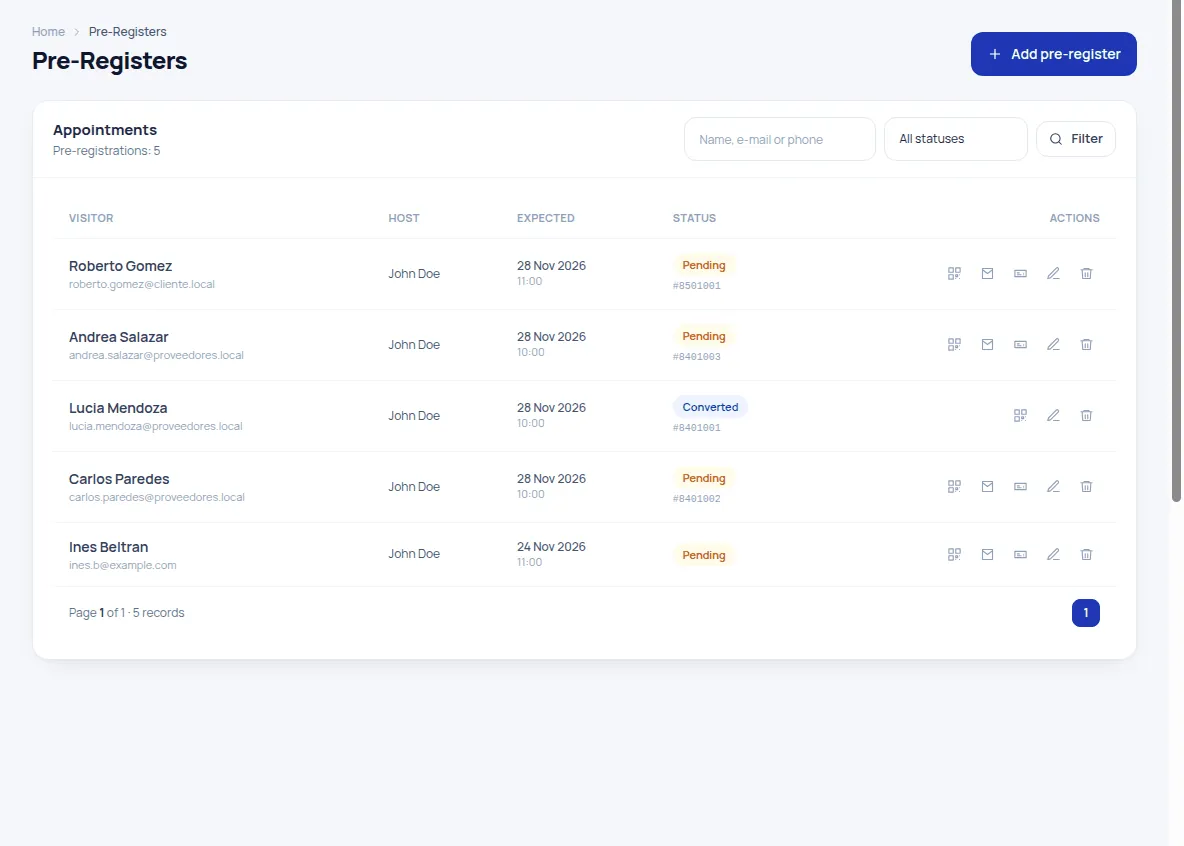
Gateguard One · WhatsApp approval
Your team already lives on WhatsApp. With Gateguard One, the host gets the visitor in a message and replies “YES” or “NO”, and reception knows instantly.
Yes. With the Gateguard One SMS and WhatsApp module, when a visitor arrives the host gets a WhatsApp message with the visit details and replies “YES” or “NO”. The answer is recorded in the system, reception sees it right away and the visitor gets their confirmation, all without installing or opening any app.
At the kiosk, on their phone or with their invitation pass.
With the visitor's name, company and reason for the visit.
With one word. The reply is recorded as their decision, with date and time.
Reception sees the visit approved or rejected instantly, and the visitor gets the answer by WhatsApp, SMS or email.
Real screenshots, with data from a demo company.
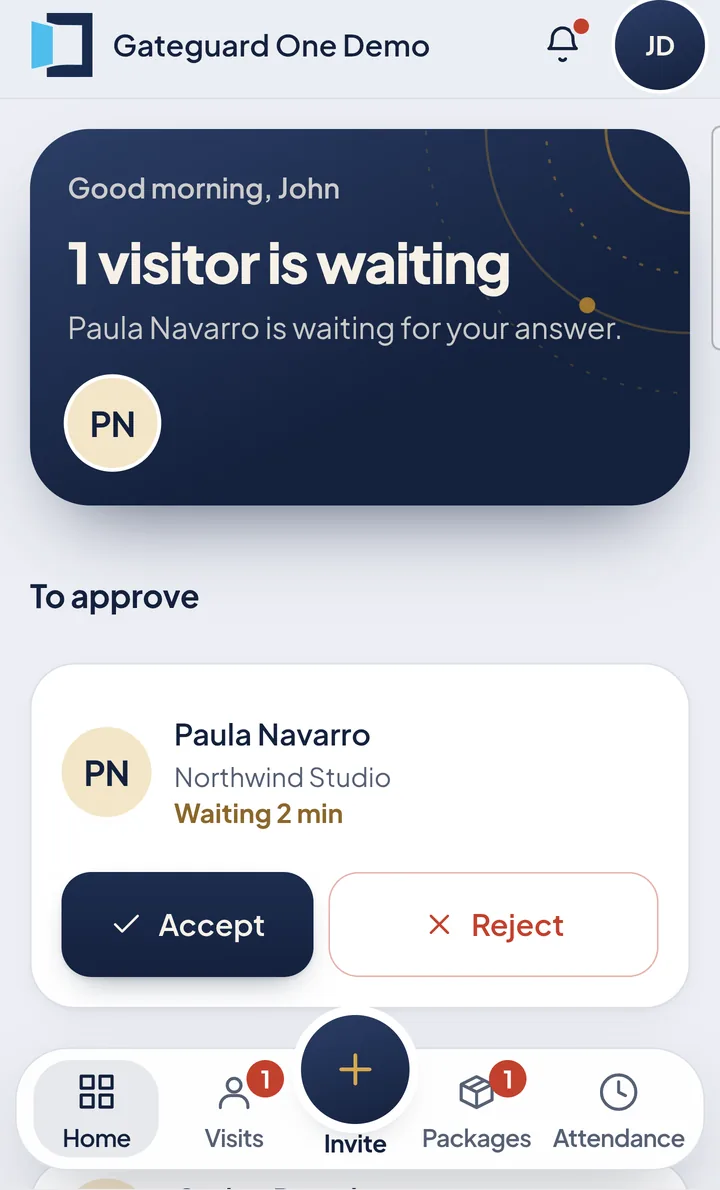
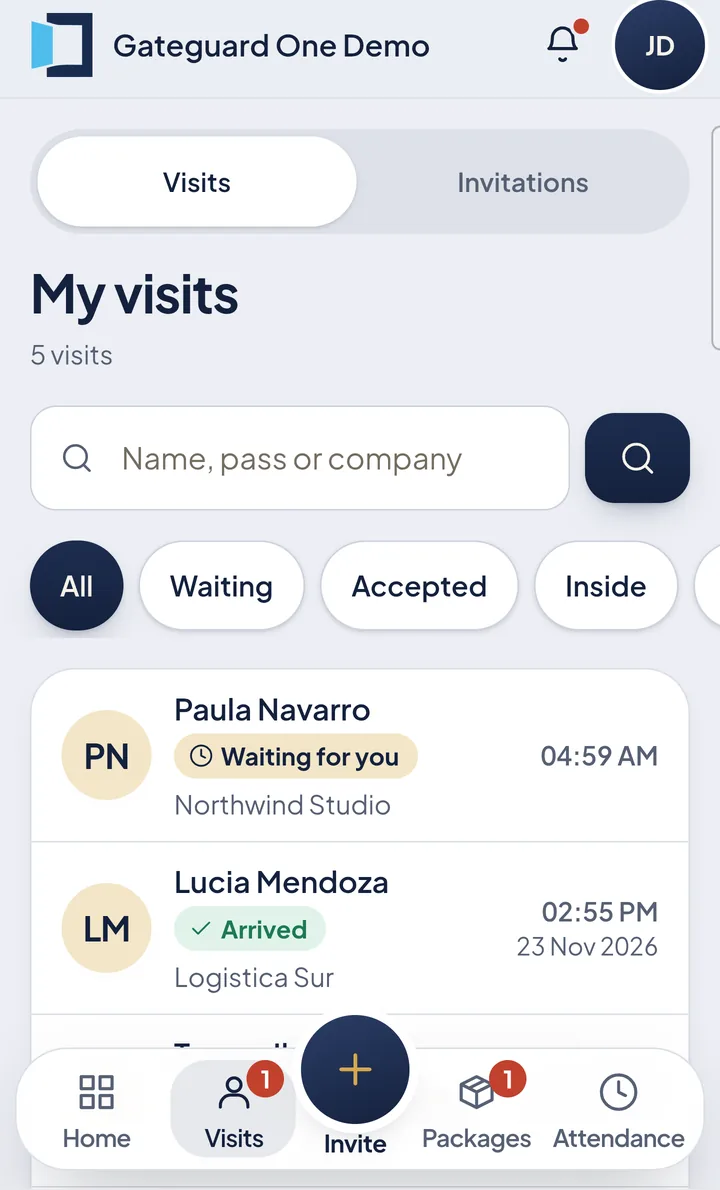
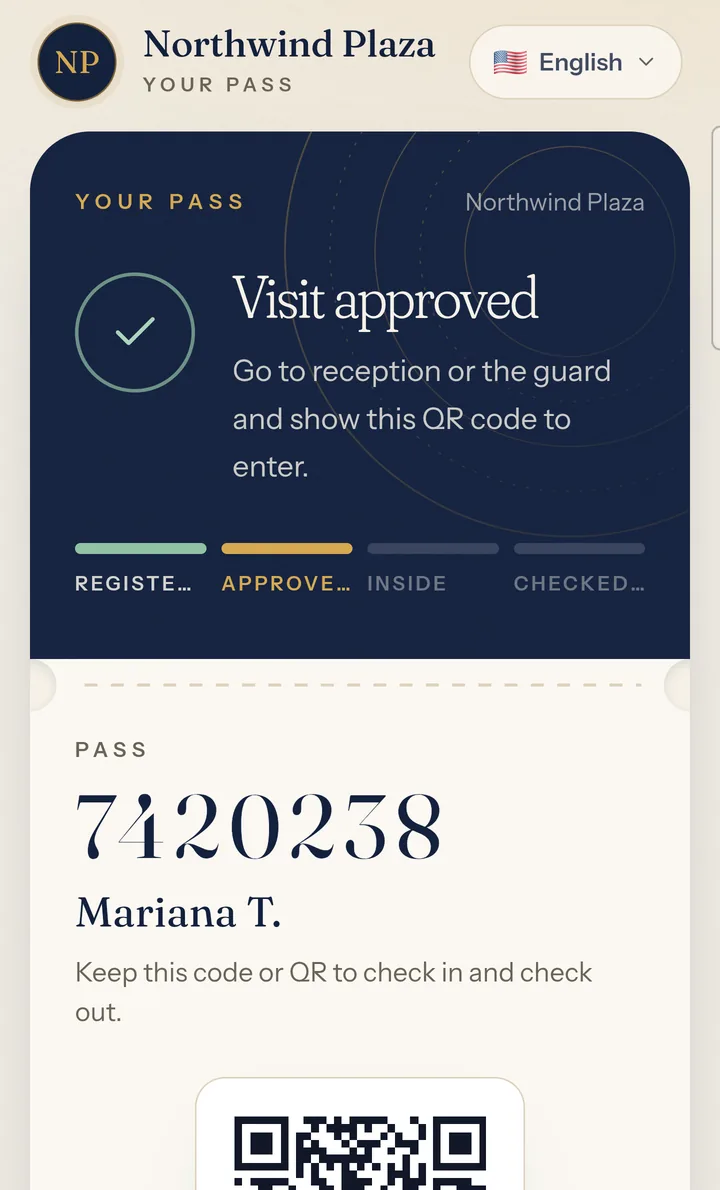
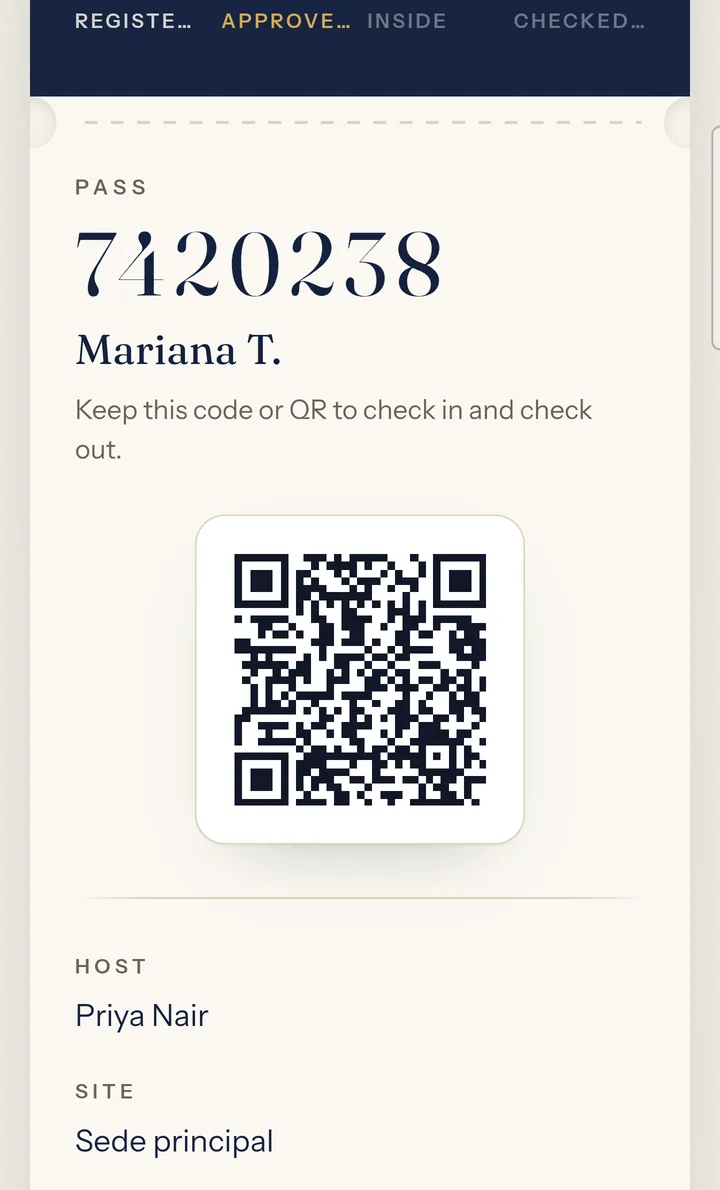
Employees send invitations from their phone, and guests receive their pass with a QR code and 7-digit code by WhatsApp or SMS, as well as by email. No more digging for a lost email on the day of the meeting.
The host doesn't need to open any app: they just reply “YES” or “NO” to the message. If they prefer, they can also approve with one tap in the employee app or get push notifications.
If a visitor has been waiting for approval for several minutes, the host gets a WhatsApp reminder so no one is left waiting at reception.
When an emergency is triggered, alerts also go out by WhatsApp and SMS to everyone on site and to their hosts, in addition to push notifications.
Managers and staff on the floor or in meetings who aren't in front of a computer.
Where every minute a host takes to respond turns into a line at the entrance.
Teams that don't want to install yet another app to approve visitors.
Suppliers and clients who get their pass and confirmation on the channel they already use.
One-tap approval in the employee app is part of the Core. Approvals, invitations and alerts via WhatsApp and SMS come with the SMS and WhatsApp module, included in every plan with a message allowance; if you need more, you can add message packs.
See what each plan includesNo. They reply from the WhatsApp they already have on their phone. If they want, they can also use the employee app, which installs from the browser without an app store.
They get a reminder after a few minutes. A delegate can also approve on their behalf while they are on vacation or in meetings.
Yes. Every decision is recorded with who made it, the date and the time, and it appears in the audit log. If a delegate approved, it is marked as their decision.
Yes, with the SMS and WhatsApp module: their invitation pass, the confirmation of their visit and, in an emergency, the corresponding alert.
Through Twilio, with a record of every message sent. If a message can't go out on WhatsApp, invitations and alerts still arrive by email.
Gateguard One · For companies
We'll show you whatsapp approval with your real use cases and set up the configuration you need with you.